
AI Automation
Automate Your Business with Intelligent AI Solutions
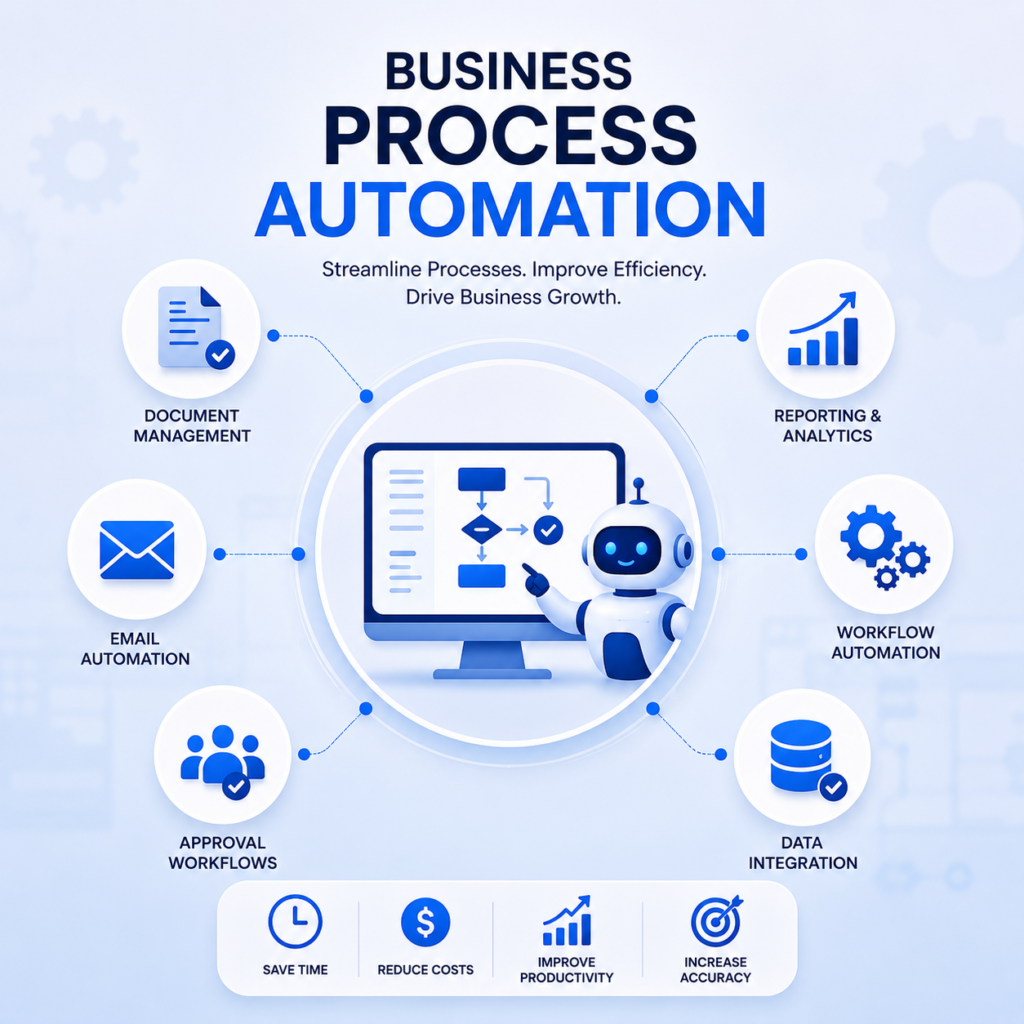
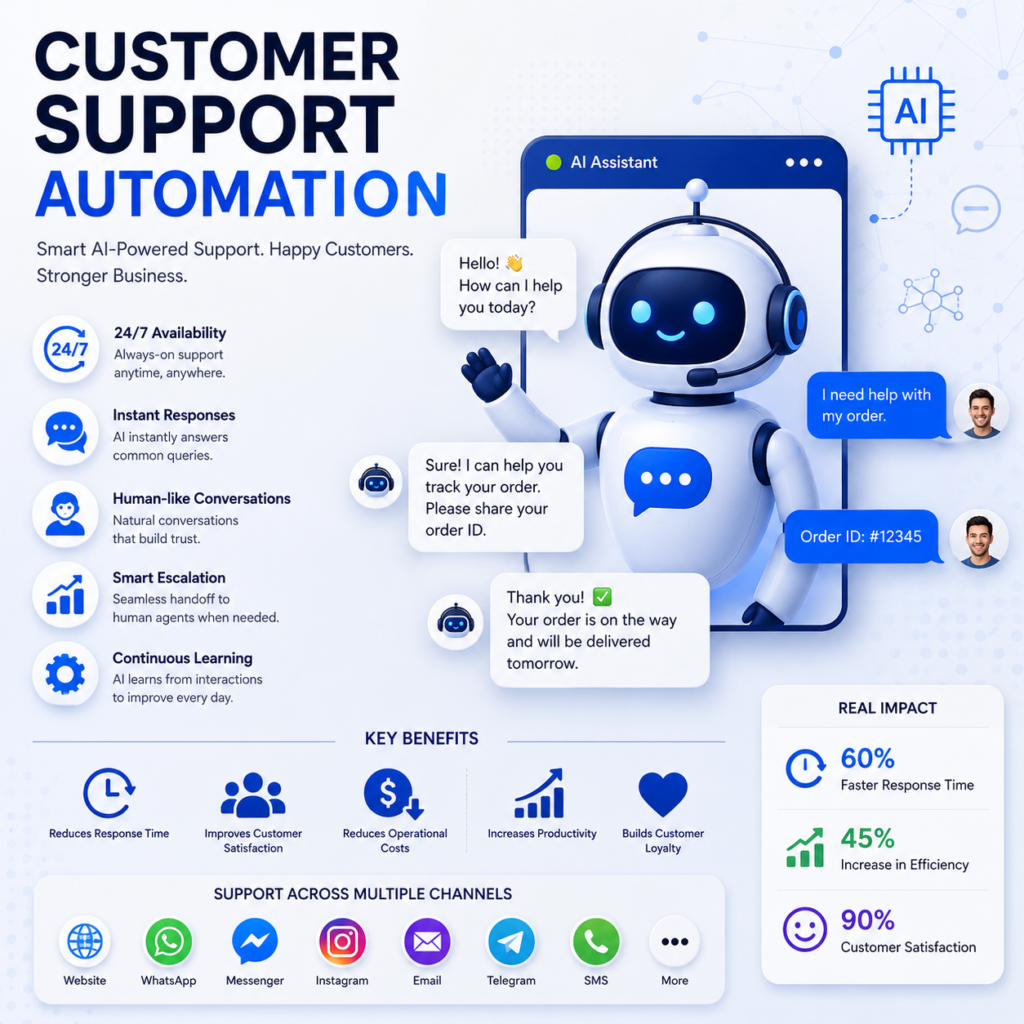
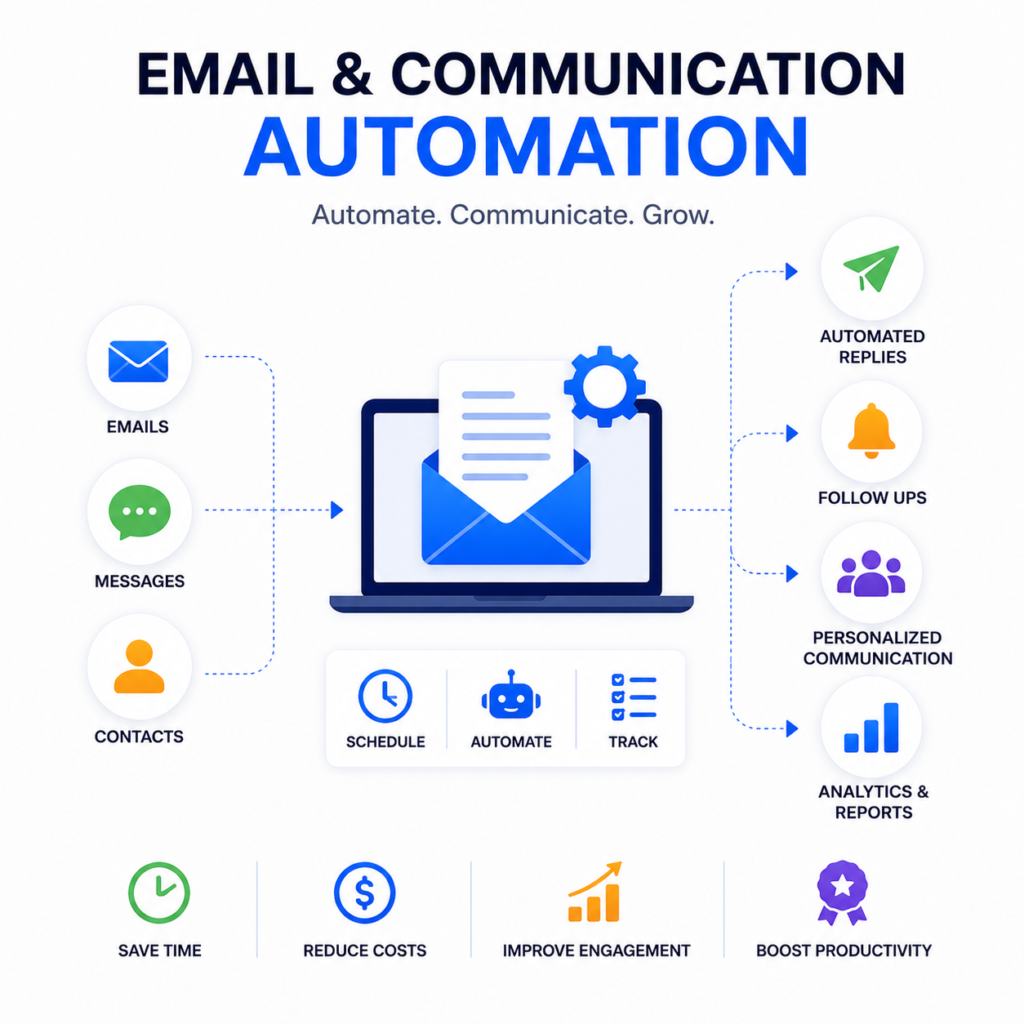
Transform repetitive tasks into intelligent workflows with our AI Automation services. We help businesses streamline operations, eliminate manual processes, improve productivity, and reduce operational costs through advanced Artificial Intelligence and automation technologies. From customer support to internal business operations, our AI-powered automation solutions are designed to increase efficiency and accelerate growth.
What is AI Automation?
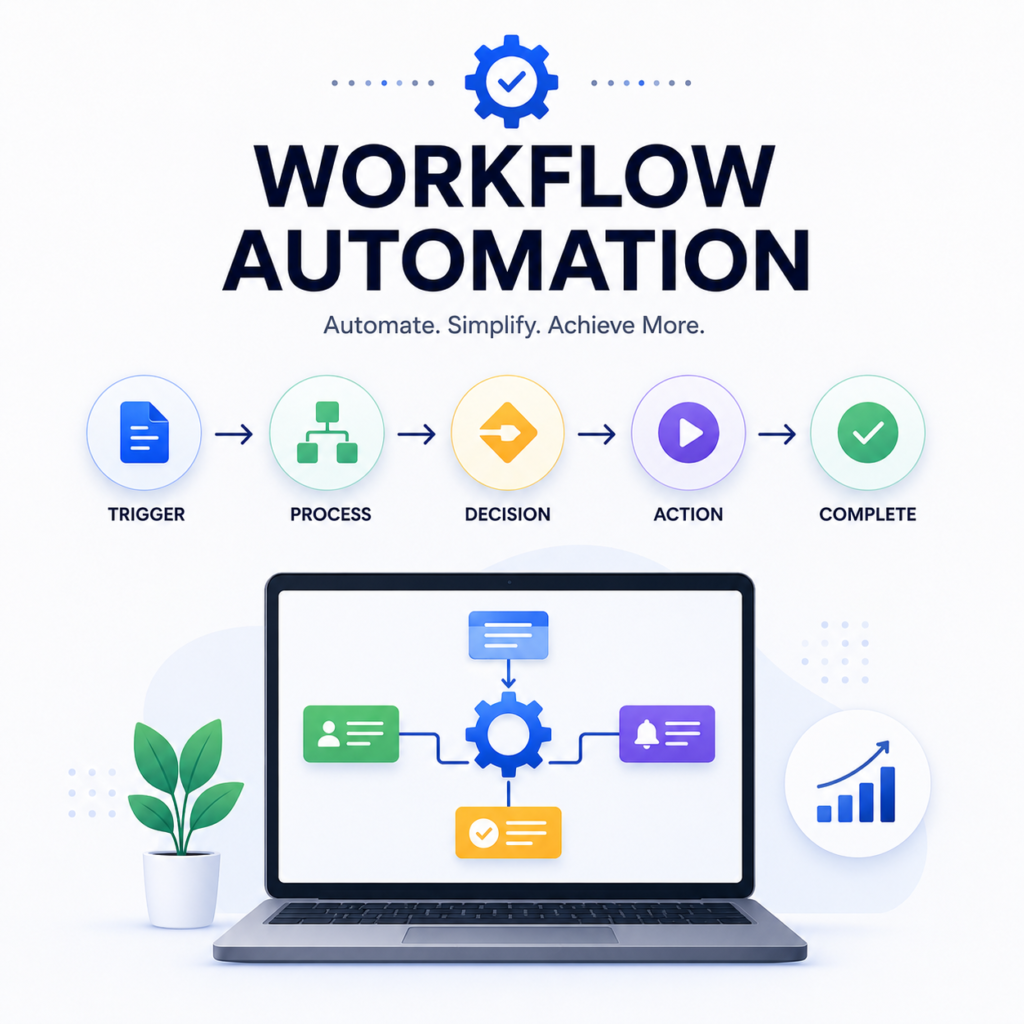
AI Automation combines Artificial Intelligence with workflow automation to perform repetitive tasks, analyze data, make intelligent decisions, and execute business processes with minimal human intervention.
Unlike traditional automation, AI-powered systems continuously learn, improve, and adapt to changing business requirements, enabling organizations to operate smarter and faster.

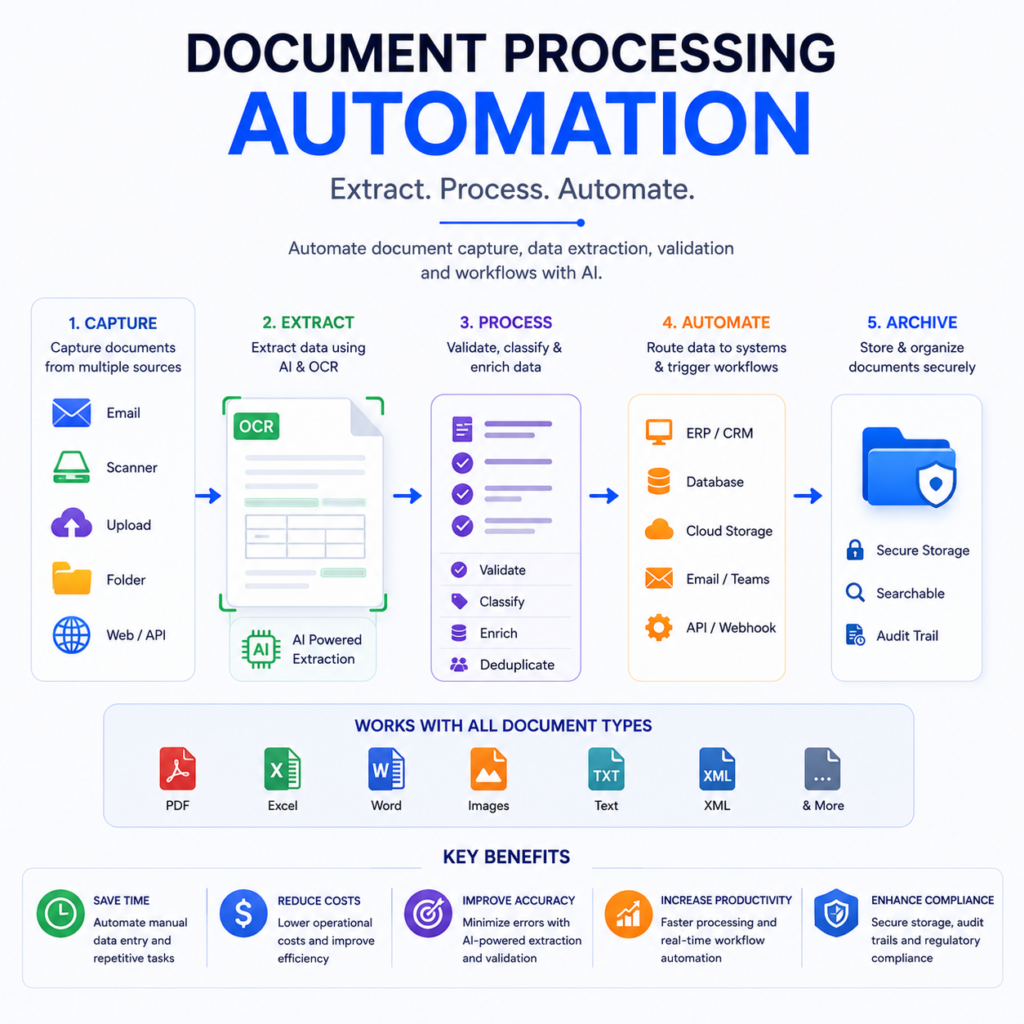
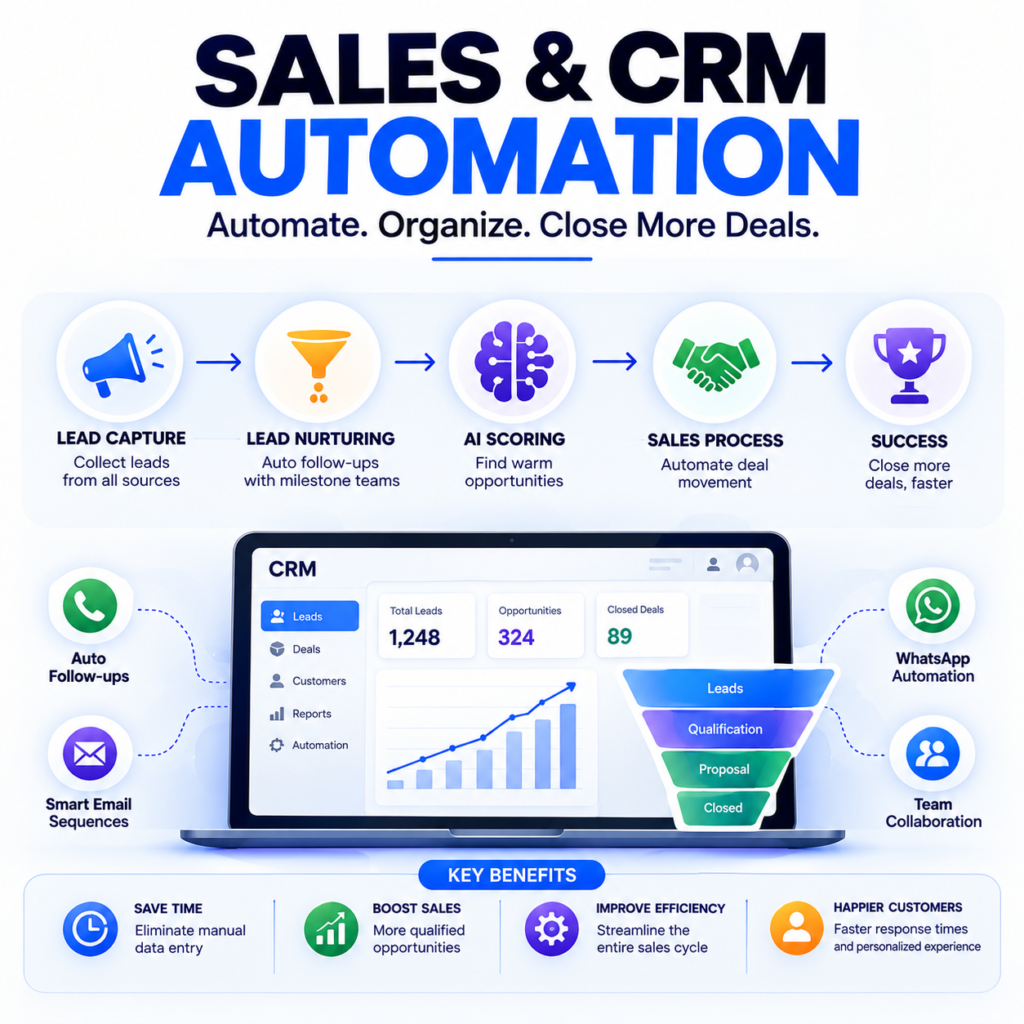
Industries We Serve
AI Solutions for Every Industry

Manufacturing

Healthcare

Finance

Retail

Real Estate

Hospitality

Logistics

Government
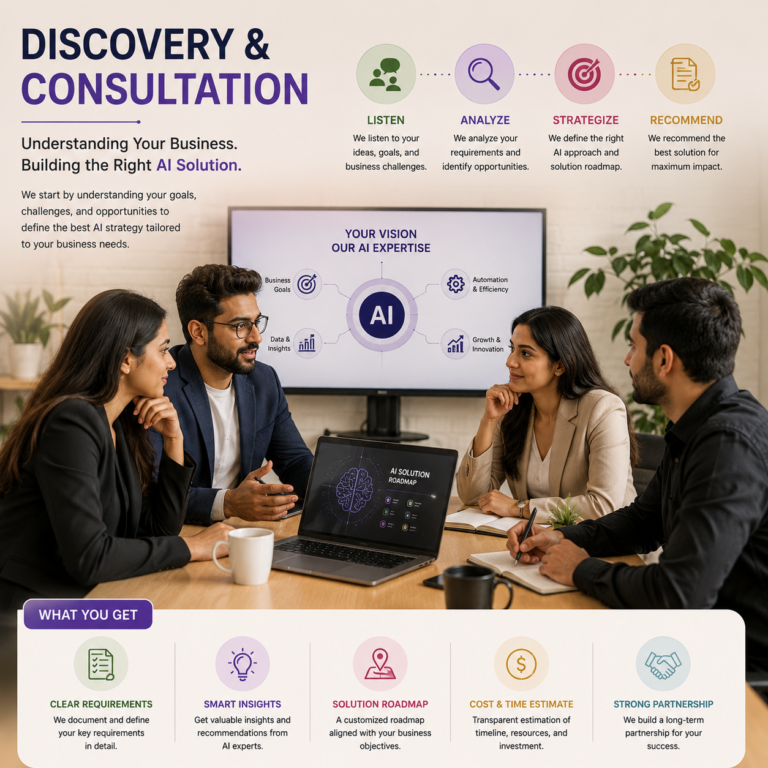
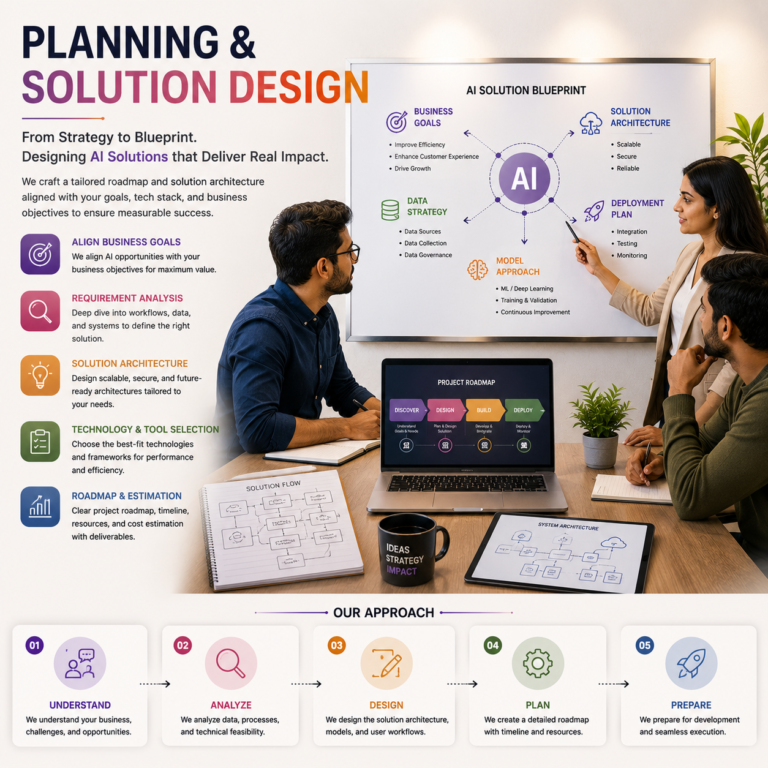
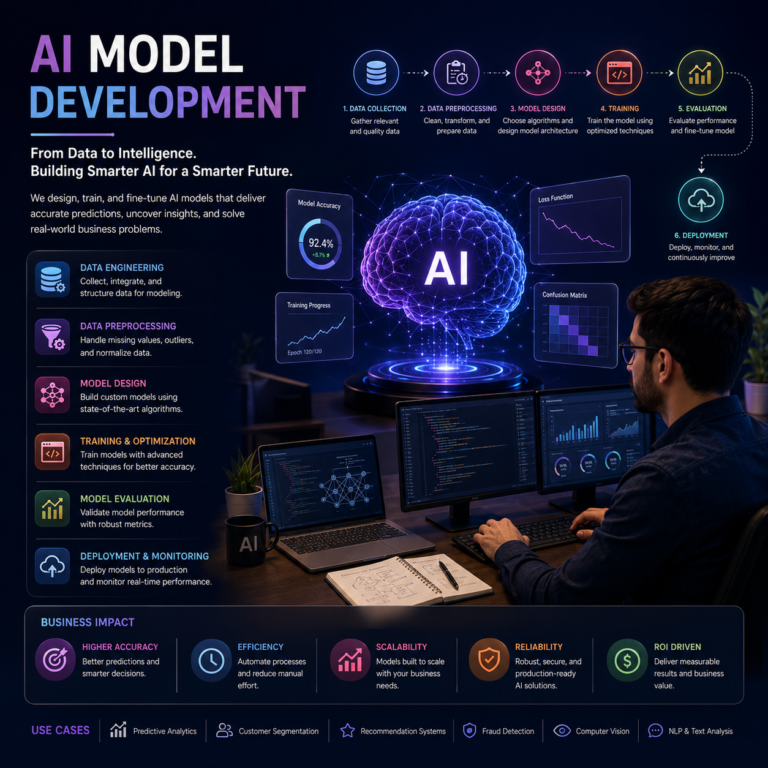
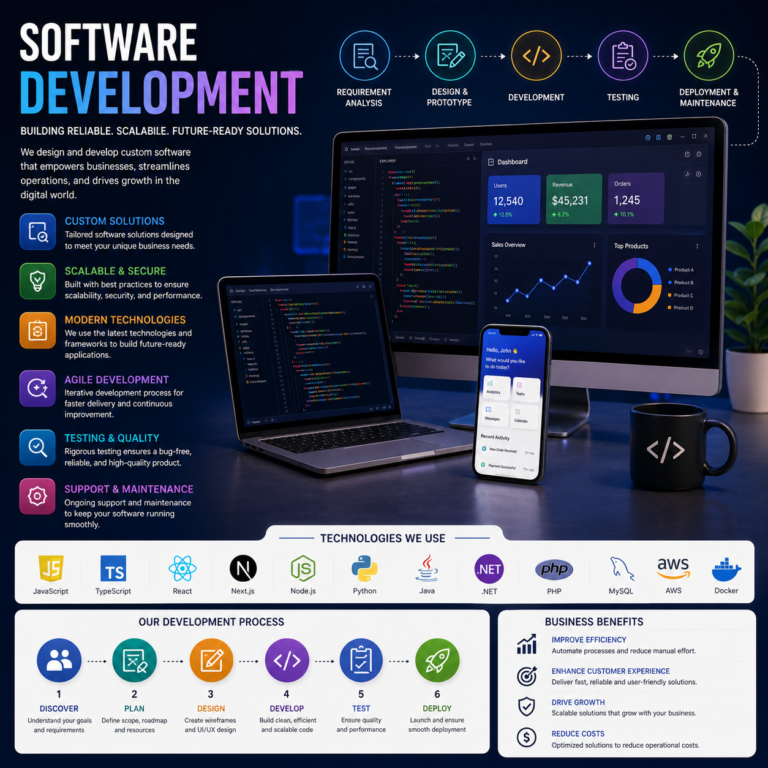
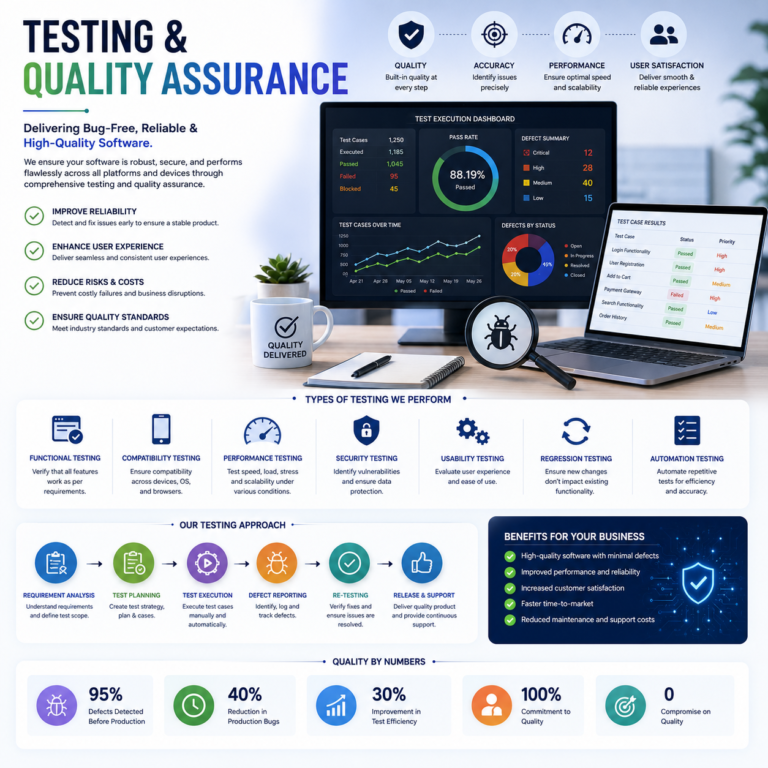
Our Development Process

What Our Clients Say
Trusted by Businesses Across Multiple Industries
Our clients trust us to deliver innovative AI solutions that improve efficiency, automate workflows, and accelerate business growth. Here’s what they have to say about working with our team.

"The AI automation solution transformed our daily operations and significantly reduced manual work. Their team was professional, knowledgeable, and delivered exactly what we needed."

"The AI chatbot they developed has improved our customer response time and increased engagement. The implementation was smooth, and the support team has been excellent."

"Their AI consultants helped us identify automation opportunities and implement a strategy that increased productivity while reducing operational costs."

"Working with this team has been an outstanding experience. They developed a custom AI solution that streamlined our internal processes, improved efficiency, and saved us countless hours every week. Their expertise and commitment exceeded our expectations."
"From AI consulting to deployment, the entire process was smooth and well-organized. Their team understood our business requirements and delivered a scalable AI solution that helped us improve customer engagement and operational performance."
Build Smarter. Automate Faster. Grow Without Limits.
Whether you’re planning your first AI initiative or scaling enterprise-grade AI solutions, our experts are here to help. From AI software development and automation to intelligent chatbots and AI agents, we create custom solutions that deliver measurable business results.
- Free AI Consultation
- Custom AI Strategy
- End-to-End Development
- Dedicated Expert Support
AI Knowledge Hub
Discover expert insights, industry trends, and practical AI solutions.
If you’re wondering how to implement AI in business, start with one practical problem, test a suitable tool, and measure whether it improves the work. You do not need to automate an entire department or build a custom system on day one.
Perhaps your team spends hours answering similar customer questions. Sales enquiries may arrive faster than employees can respond. Or important information may sit inside documents that take too long to search.
These are useful starting points because they connect artificial intelligence to everyday business needs. This guide explains how to move from an initial idea to a manageable AI project, with clear goals, employee involvement, and sensible controls.
Step 1: Understand Where AI Can Help
Artificial intelligence includes systems that recognize patterns, interpret language, generate content, and support predictions. Different tasks require different capabilities.
For example:
► Generative AI can draft emails, summarize documents, and create initial marketing copy.
► Document processing tools can extract information from invoices and forms.
► Predictive models can estimate future demand using suitable historical data.
► AI assistants can help employees find information in approved business documents.
AI is useful when a task involves language, varied information, or patterns that are difficult to capture with fixed rules.
However, a straightforward calculation or scheduled reminder may only need traditional software automation. Choose the approach that solves the problem reliably.
Step 2: Identify One Business Problem
Begin with the work your employees already do. Ask which tasks take too long, create frequent delays, or require repeated manual effort.
Possible starting points include:
- Drafting responses to common customer enquiries.
- Summarizing sales calls.
- Sorting incoming support requests.
- Extracting details from supplier invoices.
- Searching internal policies and product information.
Choose a task that happens regularly, has clear inputs, and allows someone to check the result.
For a Jaipur-based distributor, this might mean drafting replies to product enquiries using an approved catalogue. An employee would still confirm availability, pricing, and delivery details before sending the response.
Avoid beginning with decisions where a mistake could seriously affect someone’s health, finances, employment, or rights.
Step 3: Define What Success Looks Like
“Improve productivity” is too broad to guide an AI project. Set a goal that you can measure.
For customer enquiries, useful measures might include:
- Time needed to prepare a reply.
- Percentage of drafts requiring major corrections.
- Number of enquiries handled.
- Accuracy of product information.
- Customer satisfaction after the interaction.
Record the current process before introducing AI. Without a baseline, it is difficult to know whether the new workflow helps.
As an illustrative target, a business might aim to reduce reply preparation time from ten minutes to seven minutes while maintaining accuracy. This is a pilot goal, not a guaranteed result.
Assign one person to own the project and decide how results will be reviewed.
Step 4: Prepare Your Information
AI tools need access to information that is relevant, accurate, and appropriate for the task.
A support assistant using an outdated returns policy may produce an incorrect answer. An invoice extraction tool may struggle with inconsistent scans or unclear documents.
Before testing:
- Gather the documents needed for the chosen task.
- Remove duplicates and outdated versions.
- Resolve contradictory information.
- Identify which information is confidential.
- Decide who can access each source.
Check a provider’s data retention, training-use policies, access controls, and contractual terms before entering business information. These arrangements vary by product and subscription.
For an initial trial, use anonymized or non-sensitive examples wherever possible. Never upload passwords or confidential customer records simply to test a tool.
Step 5: Choose a Tool That Fits the Task
Your existing business software may already offer useful AI features. Check those options before commissioning a separate application.
Compare tools against the work you need them to perform:
- Can they handle your document types and languages?
- Can employees review outputs before use?
- Do they connect with your existing systems?
- Can access be restricted appropriately?
- What are the subscription, usage, and setup costs?
- Can you export your information if you change providers?
Test with realistic examples, including Hindi or mixed-language enquiries if those are common in your business.
Custom development may make sense when a workflow requires specialized integrations or controls. The decision should follow your requirements and test results.
Step 6: Run a Small Pilot
Keep the first AI implementation limited enough to evaluate properly. Select one workflow, a small group of employees, and a defined testing period.
For a customer enquiry pilot, the process could be:
- An employee selects an enquiry.
- The AI prepares a draft using approved product information.
- The employee checks facts, tone, and completeness.
- The employee edits and sends the reply.
- The team records preparation time and corrections.
Include difficult examples: incomplete requests, spelling mistakes, conflicting documents, and questions the system cannot answer.
The pilot should reveal both useful performance and failure points. Microsoft’s AI adoption guidance similarly recommends testing business value through a small pilot before investing heavily.
Step 7: Train Employees and Set Clear Rules
Employees need practical instructions for using AI in their actual work.
Explain which tools are approved, what information may be entered, and which outputs require review. Give people examples of good requests.
For instance:
Draft a polite reply using the attached product catalogue. Do not invent prices or delivery dates. Flag missing information for the sales team.
Teach employees to check facts, calculations, names, and commitments. A fluent answer can still be wrong.
Make it easy to report problems and suggest improvements. Employees who understand the workflow can often identify weaknesses that a demonstration misses.
Step 8: Keep Human Review Where It Matters
The level of oversight should match the consequences of an error.
An internal meeting summary may only need a quick check. A customer quotation needs verification of prices and terms. Payments, account changes, and contractual commitments need explicit approval controls.
AI-generated information can be inaccurate, and malicious instructions inside incoming documents can try to redirect a connected system. Limit what the tool can access and what actions it can perform.
Establish an escalation route when the system is uncertain or fails. The NIST AI Risk Management Framework provides a structured reference for managing AI risks throughout a system’s use.
Step 9: Measure the Full Cost and Benefit
Time saved is useful, but it is only part of the calculation.
Include software fees, integration work, employee training, maintenance, and time spent correcting outputs. Compare those costs with improvements in speed, quality, and service.
Suppose a pilot saves ten staff hours each month. If the effective hourly cost is ₹500, that represents ₹5,000 in potential staff capacity before tool and support costs. It does not automatically mean ₹5,000 in cash savings.
Consider how the released time will be used. Faster customer follow-up or additional sales activity may be more valuable than simply completing the same work sooner.
Expand only when the evidence supports it.
Frequently Asked Questions (FAQs)
[1] Can a small business start using AI without a technical team?
Yes. Existing software and ready-made tools can support a limited pilot. More complex integrations may require technical help.
[2] How much does AI implementation cost?
Costs depend on the tool, usage, integrations, data preparation, and support. Define the workflow first, then request pricing against those requirements.
[3] Should a business automate customer replies immediately?
Start with reviewed drafts. Consider automatic replies only for clearly defined situations after testing accuracy, escalation, and monitoring.
Conclusion
Starting with AI is a process of choosing, testing, and improving. Pick one recurring problem, prepare reliable information, and measure results against your current workflow.
Keep employees involved and give the system only the access it needs. A successful first project should leave you with evidence about where AI helps and where human judgement remains essential.
If you need help selecting a starting point, discuss your business workflow with AI Company Jaipur to explore a suitable pilot.
The benefits of AI for small businesses become useful when they solve a problem the team faces every day. A shop may need clearer stock information. A service company may struggle to answer enquiries promptly. A manufacturer may spend too much time checking documents.
Small and medium-sized businesses often have limited specialist staff, which makes these improvements valuable. Artificial intelligence can help employees prepare information, organise work, and serve customers more consistently. Results depend on the task, the quality of the data, and the way the tool is introduced.
This guide explains the main opportunities, their practical limits, and how to decide whether an AI investment is worthwhile.
1. More Time for Work That Needs People
Routine administration can interrupt an otherwise productive day. Employees switch between copying information, writing similar messages, and preparing summaries before returning to their main responsibilities.
AI can draft meeting notes, extract details from documents, or turn a rough outline into a first version of a report. Staff still check the output, but they may spend less time starting from a blank page.
For example, a small design agency could use a meeting transcript to prepare a project brief. The account manager would confirm the deadlines, deliverables, and customer requests before sharing it.
The benefit is the useful time recovered after review. Measure the whole task rather than how quickly the AI produces an answer.
2. Faster Customer Support
Customers often ask similar questions about opening hours, service areas, delivery arrangements, or required documents. An assistant connected to approved information can help staff prepare consistent answers.
A business may also offer automated responses for simple questions outside office hours. That requires clear boundaries: the system should explain when a person will respond and route unresolved enquiries to the right team.
- Use current policies and product information.
- Give customers a straightforward route to human support.
- Review unanswered questions to identify gaps.
- Keep refunds, disputes, and unusual commitments under appropriate approval.
A fast incorrect answer can create more work than a slower accurate one. Track resolution quality alongside response time.
3. Less Manual Document Entry
Invoices, order forms, receipts, and delivery notes often contain information employees must enter elsewhere. AI-assisted document processing can identify fields even when suppliers use different layouts.
For a wholesale business, a tool might extract an invoice number, supplier name, date, and total into a review screen. Staff can compare those details with the original document before transferring them to accounting software.
Keep validation rules for totals, duplicate invoice numbers, and mandatory fields. Scanned handwriting, poor photographs, or unfamiliar layouts may need manual processing.
This approach can reduce repetitive typing without making the extraction system responsible for approving payments.
4. Better Access to Business Knowledge
Useful information often sits in scattered files or in the memory of experienced employees. New staff may repeatedly ask where to find a policy, instruction, or product detail.
An internal search assistant can help employees locate answers in approved documents. Ideally, each answer includes a source so that the employee can verify it.
A maintenance company might use this to retrieve equipment instructions or service checklists. However, an assistant should never override manufacturer guidance or established safety procedures.
Maintain access permissions. A convenient search tool should not expose payroll records or confidential customer agreements to employees who cannot normally view them.
5. More Efficient Marketing Preparation
AI can help a small marketing team develop content outlines, draft product descriptions, summarise customer feedback, or prepare alternative versions of an advertisement.
These are starting points for editorial judgement. Someone must check product claims, factual details, tone, and whether the material reflects the business.
A Jaipur handicraft seller could draft descriptions from verified product specifications, then add the maker’s actual story and check materials, dimensions, and care instructions.
Do not invent testimonials, certifications, customer results, or scarcity claims. Faster production only helps if the content remains trustworthy and distinctive.
6. Clearer Sales Follow-Up
Sales teams can use AI to summarise enquiries, prepare call notes, and suggest follow-up messages based on approved information.
This may help employees notice an unanswered customer question or a missing requirement before preparing a quotation. It can also reduce the effort of recording a conversation in a customer relationship management system.
Keep pricing, discounts, availability, and contractual promises tied to verified business rules. AI should not make up an offer to make a message sound persuasive.
Measure whether follow-up becomes more timely and complete. More automatically generated messages are not necessarily better customer relationships.
7. Useful Support for Planning
Businesses with suitable historical data can explore demand forecasts or patterns in returns, purchasing, and inventory. These tools may help a manager investigate issues that are difficult to spot in a large spreadsheet.
A seasonal retailer, for instance, could compare sales patterns across products before planning stock. Forecasts should account for data limitations and unusual events.
If the business has only a few records, incomplete dates, or major changes in its product range, a simple manual planning process may be more dependable. AI cannot create reliable history that does not exist.
Use predictions to support a decision, and compare them with simpler approaches before relying on them.
Understanding the Costs and Limits
IBM’s overview of business AI use cases describes applications across functions such as customer service and marketing. Their availability does not mean every application suits every smaller company.
Budget for software, setup, integrations, employee training, maintenance, and output review. Include the cost of handling mistakes.
AI can produce inaccurate information, expose data if access is poorly managed, or struggle when a process changes. Businesses need a named owner and a way to pause a malfunctioning workflow.
A useful evaluation asks whether the business receives better outcomes after all those costs are included.
How to Choose Your First Opportunity
- List recurring tasks and estimate their current workload.
- Choose one task with a clear output and manageable consequences of error.
- Prepare representative examples, including difficult cases.
- Run a limited pilot with employee review.
- Compare time, accuracy, customer experience, and total cost.
If the results are promising, expand gradually. If corrections consume the time saved, improve the workflow or choose a different task.
Involve the employees doing the work. They can explain exceptions, document gaps, and customer expectations that a software demonstration may miss.
Frequently Asked Questions
Is AI useful for very small businesses?
It can be, particularly for frequent administrative or writing tasks. A business with little repetitive work may gain more from improving its existing process first.
Does using AI automatically reduce staffing costs?
No. Saving employee time often creates capacity rather than immediate cash savings. The financial benefit depends on how that capacity is used and on implementation costs.
Can AI replace professional judgement?
It can assist with preparation and analysis, but qualified people should retain responsibility for decisions that require professional expertise or carry serious consequences.
Conclusion
The most useful benefits of artificial intelligence for smaller businesses are practical: less repetitive administration, easier access to information, and better preparation for customer-facing work.
Choose an opportunity you can measure, keep the first trial manageable, and expand only after reviewing the evidence. For help assessing a suitable use case, contact AI Company Jaipur with the workflow you want to improve.
AI automation vs traditional automation is a question about how a system decides what to do. Traditional automation follows rules defined in advance. AI automation introduces models that interpret information, recognise patterns, or generate outputs within a workflow.
Both can save manual effort, but they suit different tasks. A scheduled invoice reminder usually needs a clear rule. Understanding a customer’s loosely written complaint may require language processing.
For business owners, the useful question is which parts of a process need predictable rules and which need interpretation. Choosing carefully can avoid unnecessary costs and make the result easier to manage.
What Is Traditional Automation?
Traditional automation executes predefined instructions when specified conditions occur. A trigger starts the workflow, rules determine the next steps, and software performs the configured actions.
Examples include sending a confirmation after a form submission, calculating tax using approved rules, or transferring an order between two systems.
A rule might say: if an invoice remains unpaid after the due date, prepare a reminder. The process does not need to infer customer intent or invent new steps.
Traditional automation can use APIs, workflow software, scripts, or robotic process automation. The implementation varies, but the governing logic is explicitly defined.
It works especially well when inputs are consistent and exceptions are understood.
What Is AI Automation?
AI automation uses an artificial intelligence model for one or more steps in a business process. The model might categorise text, extract document details, predict an outcome, or draft a response.
Consider an inbox receiving order enquiries, complaints, and supplier notices. An AI classifier can suggest a category from the message content, even when people use different wording.
The surrounding software can then route the message according to ordinary rules. AI does not have to control the entire process.
IBM’s explanation of intelligent automation describes combining AI with business process management and robotic process automation. That combination is useful when a workflow contains both interpretation and repeatable execution.
The Main Differences
| Comparison | Traditional automation | AI automation |
|---|---|---|
| Decision method | Explicit conditions and rules | Model-based interpretation or prediction |
| Typical inputs | Consistent fields and known formats | May include varied text, images, or documents |
| Output behaviour | Generally repeatable under the same conditions | May vary or contain model errors |
| Maintenance | Update rules and integrations | Also evaluate model behaviour and data changes |
| Validation | Test conditions and expected results | Also test representative and difficult examples |
These are broad distinctions, not absolute boundaries. A traditional workflow can be complex, and an AI workflow can be tightly restricted. Both can fail when integrations break or inputs change.
Difference 1: Handling Varied Information
Structured information has a known format, such as an order form with separate fields for a name, quantity, and product code. Rule-based software can read those fields directly.
Unstructured information is less predictable. A customer may describe the same issue in a paragraph, photograph, or voice message.
AI can help interpret that variation. However, it still needs testing against the actual languages, document quality, and terminology your customers use.
For example, a logistics business might receive delivery instructions in Hindi, English, and mixed-language messages. A model could extract a suggested delivery request, while staff confirm ambiguous locations or unusual requirements.
Difference 2: Reliability and Explainability
A rule-based action is often easy to explain: the order value exceeded a threshold, so the system requested approval. Troubleshooting can trace the rule and its input.
AI outputs can be harder to explain in the same way. A generated answer may look convincing despite containing incorrect facts.
Use checks around AI results. Compare extracted totals with line items, restrict categories to an approved list, and require sources for document-based answers.
Asking a language model how confident it feels is not a substitute for testing. Confidence scores require validation before they can support operational decisions.
Difference 3: Setup and Ongoing Cost
Traditional automation may involve mapping fields, defining rules, and connecting systems. Complex integrations can still require substantial development.
AI automation adds work such as preparing examples, evaluating outputs, managing provider settings, and monitoring quality. Depending on the tool, costs may increase with usage or document volume.
Neither approach is automatically cheaper. Compare the total cost of running the process, including staff review and error recovery.
If a deterministic rule solves the problem accurately, adding a model may bring little value. If varied documents create hours of manual entry, a tested extraction step may justify its additional complexity.
Difference 4: Responding to Change
A common assumption is that AI automatically learns from every correction. That depends on the system. Many deployed tools do not update their underlying models when an employee edits an answer.
Changing a prompt, updating a knowledge base, and retraining a model are different activities. Each needs an appropriate review process.
Traditional automation also needs maintenance when business rules change. A new discount policy or altered form can require configuration updates.
Whichever approach you use, assign an owner to check that the workflow still reflects current business requirements.
Why a Combined Workflow Often Makes Sense
Imagine a supplier invoice process:
- AI extracts the invoice fields into a review screen.
- Rules check mandatory fields, calculations, and duplicate numbers.
- An employee resolves uncertain details.
- The accounting integration creates a draft record.
- A separate approval process authorises payment.
Each component has a limited responsibility. The model handles document variation, rules perform precise checks, and people approve consequential actions.
This design also makes failure recovery clearer. If extraction fails, the invoice can return to manual entry without stopping unrelated accounting work.
How to Choose for Your Business
Start by describing the task in plain language. Identify the inputs, the expected output, and what a mistake would cost.
- Choose rules for fixed calculations, scheduled actions, and known conditions.
- Consider AI for varied language, document interpretation, or useful pattern detection.
- Combine them when the process includes both.
- Keep approval controls for payments, commitments, and sensitive decisions.
Test a representative sample before expanding. Measure accuracy, processing time, manual corrections, total cost, and recovery from errors.
For risk planning, the NIST AI Risk Management Framework provides a reference for evaluating and managing AI systems.
Frequently Asked Questions
Is AI automation always better?
No. A fixed rule is often preferable when the task has clear conditions and exact outputs. AI is useful when interpretation adds measurable value.
Can traditional automation include RPA?
Yes. RPA can execute predefined interactions with software. It can also be combined with AI-assisted extraction or classification.
Does AI automation need human supervision?
The required oversight depends on the task and consequences of mistakes. Begin with reviewed outputs and reduce supervision only when evidence and controls support it.
Conclusion
The difference between AI automation and traditional automation lies in the work assigned to rules and models. Predictable steps benefit from explicit logic; varied information may benefit from tested interpretation.
Map the workflow before selecting technology. If you need help making that decision, discuss your automation requirements with AI Company Jaipur.
What are large language models, and why do they matter to businesses? Large language models, or LLMs, are AI models trained on substantial amounts of language data to process and generate text. They can support tasks such as drafting, summarising, extracting information, and answering questions.
An LLM is one component of a business application. The interface, document connections, permissions, and review process determine whether its capabilities become useful in practice.
This guide explains the main concepts without requiring a technical background, then shows what managers should check before relying on an LLM-powered tool.
What Does “Large Language Model” Mean?
A language model learns relationships in language during training. “Large” generally refers to the scale of the model and its training, although there is no single business standard that separates every large model from smaller ones.
Many modern LLMs use transformer architectures, which use attention mechanisms to represent relationships within their inputs. Text-generating models commonly predict successive tokens: units that may represent words, parts of words, or other characters.
IBM’s LLM overview provides a technical introduction. For an everyday user, the important point is that generating a plausible answer differs from verifying that answer against a reliable source.
How an LLM Produces an Answer
When you submit a request, the application supplies instructions and relevant context to the model. The model then generates an output based on those inputs and patterns learned during training.
Context might include the current conversation, an attached report, or passages found in a business knowledge base.
For example, an employee could ask for a summary of a customer meeting. If the application includes the transcript, the model can use it to prepare a response. Without that transcript, it cannot know what was actually discussed.
This process does not make the model an authoritative database. It can omit details, confuse relationships, or generate unsupported statements.
Key Terms Business Users Should Know
Prompt
A prompt is the request and instructions given to the model. A useful business prompt explains the task, source information, format, and restrictions.
Context Window
The context window limits how much information the model can consider in one interaction. Exact limits depend on the model and product.
A longer limit does not guarantee that every detail will be handled accurately. Test long-document tasks using examples that contain important facts in different locations.
Retrieval-Augmented Generation
Retrieval-augmented generation, or RAG, supplies relevant information from external sources before an answer is generated. It can connect responses to approved business documents.
The system still needs accurate retrieval, current documents, and permissions. Providing sources can reduce unsupported answers, but it does not eliminate errors.
Fine-Tuning
Fine-tuning changes model parameters through additional training. It is different from attaching a document or editing an instruction.
A business should establish what problem requires training before committing to it. Document retrieval or a better workflow may address the requirement more simply.
LLMs, Chatbots, and AI Agents
An LLM is the model. A chatbot is an application that interacts through conversation. Some chatbots use LLMs, while others follow predefined scripts.
An AI agent can use a model together with tools to pursue a task. For example, it might retrieve an order record, decide which approved step is appropriate, and prepare an update.
Those actions require software connections and permission controls. An ordinary text response does not automatically create an invoice or change a customer record.
Likewise, generative AI is broader than LLMs. Image or audio generation may use other model types. Choose the capability that fits the actual task.
Business Tasks LLMs Can Support
Summarising Reports and Conversations
A model can prepare a working summary with key topics, proposed actions, and unresolved questions. Ask it to identify where each point came from when the application supports source references.
Check commitments, numbers, and deadlines against the original. Missing one qualification can change the meaning of a summary.
Drafting and Editing Communication
Employees can use an LLM to prepare proposals, help articles, or internal announcements from verified details. Review tone and factual claims before sending or publishing.
A travel service might draft an itinerary explanation from an approved schedule. Staff should confirm bookings and availability separately.
Extracting and Organising Information
An application can ask a model to identify a product request, issue category, or action item in free-form text. Define an expected structure and reject invalid outputs.
For exact totals or financial calculations, use validated software calculations rather than assuming generated arithmetic is dependable.
Searching Internal Information
A document-connected assistant can help employees find policies and procedures. Request supporting sources and a clear response when relevant information is missing.
Restricted documents should remain restricted. Search convenience is not a reason to widen access to confidential records.
Limitations You Need to Plan For
LLMs can sound confident while being wrong. They may also reflect biases, follow misleading instructions in incoming material, or provide inconsistent results across repeated tests.
The model may not have current information unless the application supplies it. A product description learned during training is not a substitute for today’s catalogue.
For Hindi, English, and mixed-language work, evaluate your own examples. General language support does not establish reliable performance with local terminology or specialised documents.
Check provider data-use and retention terms before uploading sensitive information. Assign someone to review failures and maintain the application.
How to Evaluate an LLM Tool
- Define the task and its acceptable output.
- Collect representative examples with checked answers.
- Include missing information, ambiguous requests, and unusual formats.
- Compare accuracy, completion time, and employee review effort.
- Check data access, integration requirements, and ongoing cost.
- Retest when models, prompts, or source documents change.
Keep a baseline from the current process. A polished demonstration is not enough to justify deployment.
For consequential actions, maintain approval boundaries and a manual fallback. The NIST AI Risk Management Framework offers a broader reference for responsible evaluation.
Frequently Asked Questions
Do LLMs understand information like humans?
They process patterns and context in ways that can support useful language tasks. Fluent responses do not establish human understanding or factual correctness.
Can an LLM access my company files automatically?
No. The application must provide access through uploads, retrieval, or integrations. That access should follow your existing permissions.
Does every business need a custom LLM?
No. Many requirements can be tested with an existing tool or model. Customisation should respond to a specific need shown by evaluation.
Conclusion
Large language models are useful language-processing components, but reliable business applications need more than a capable model. Clear instructions, approved information, access controls, and review make the difference.
If you are assessing an LLM use case, share your requirements with AI Company Jaipur and start with a testable workflow.
Generative AI for business refers to technology that creates content in response to instructions. It can produce text, images, audio, software code, and other outputs, depending on the model and application.
A business might use it to draft a customer reply, summarise a long document, or explore visual ideas for a campaign. The output is a first version to evaluate, not an automatic guarantee of accuracy or suitability.
Understanding that distinction helps managers choose useful applications without expecting the software to know every business fact or make every decision. This guide covers the essentials and a practical approach to adoption.
What Makes Generative AI Different?
Some AI systems classify information or predict a value. A spam filter labels an email, while a forecasting model estimates demand. Generative AI creates an output rather than only selecting a label or predicting a number.
For example, a conventional system might mark a message as a delivery enquiry. A generative model could draft a reply explaining the next steps.
IBM’s introduction to generative AI explains its ability to create multiple types of content from a prompt. In a business workflow, the application surrounding the model determines which information it receives and how its response is used.
How Does Generative AI Work?
Models learn statistical patterns during training. A text-generating model uses those learned patterns and the information in its current context to generate a sequence of text.
The prompt is the instruction you supply. Context can include a document, a conversation, or information retrieved from an approved source.
A model’s training does not give it live access to your inventory, prices, or internal policies. Those details must be supplied through a suitable connection or included in the task.
Nor does attaching a document mean the underlying model has been retrained. It may simply use that document during the current interaction. These distinctions matter when planning updates and protecting information.
Practical Business Applications
Customer Communication
Employees can prepare replies from approved product details and policies. Give the model the relevant enquiry and ask it to flag missing information instead of filling gaps with guesses.
A service business could draft appointment instructions, then have an employee confirm the date and required documents. Keep automatic sending separate until the workflow is tested.
Marketing and Product Content
Teams can explore campaign themes, create outlines, or draft product descriptions. Human editors should add the actual brand perspective and check claims.
For a furniture seller, provide verified dimensions, materials, finishes, and care requirements. Do not ask the model to infer specifications from a photograph.
Document Summaries
Long reports, meeting transcripts, and policy documents can be turned into shorter working summaries. Ask for references to the source material when the tool supports them.
A summary may omit a qualification or deadline. Review important decisions against the original document rather than relying on the compressed version alone.
Software Development Assistance
Developers can use generated code as a starting point or ask for explanations of existing code. They still need to check security, dependencies, behaviour, and suitability for the application.
Code that runs successfully once may still fail under unusual inputs. Keep normal code review and testing practices.
Creative Exploration
Image and audio tools can help explore concepts before a designer develops the final asset. Decide what the material must communicate and where it will be used.
Review visual accuracy, brand consistency, permissions, and the provider’s usage terms. Generated product images should not misrepresent what a customer will receive.
Benefits Businesses Can Measure
The useful benefit often comes from reducing preparation time or making a first draft easier to produce. Employees may also explore more alternatives before choosing an approach.
Measure the complete task, including review. A quick draft that needs extensive correction may provide little advantage.
- How long does the final approved output take?
- How many factual corrections are needed?
- Does the result meet the required quality standard?
- Do employees find the workflow practical?
- What does the process cost at expected usage?
These questions turn enthusiasm into evidence. Track them consistently during a pilot rather than choosing only the examples that worked well.
Limitations and Risks to Understand
Generative AI can invent plausible details, a behaviour often called hallucination. It can also reproduce biased assumptions, miss instructions, or produce different answers to similar requests.
Confidential information needs separate attention. Check the product’s access controls, retention arrangements, and data-use terms before uploading internal material.
Generated content also needs an editorial and rights review appropriate to its intended use. Do not assume an output is cleared for every commercial purpose merely because a tool produced it.
The NIST AI Risk Management Framework is a useful reference for establishing responsibilities and managing AI risks. For everyday work, begin with a clear rule about who reviews outputs and what information may be entered.
How to Write More Useful Prompts
A practical prompt states the task, the source information, the intended audience, and the required format. Include any restrictions that matter.
Using the attached delivery policy, draft a reply to this customer enquiry. Use clear English, keep it under 150 words, and do not promise a delivery date that is absent from the policy. List any details an employee must confirm.
This is more useful than simply asking for a good customer response. It gives the model a defined job and makes review easier.
Save prompts that work, but test them again when documents, products, or model versions change. A template should support the workflow rather than hide its assumptions.
Start With a Controlled Pilot
- Select a frequent task with reviewable outputs.
- Prepare approved information and representative test cases.
- Choose an appropriate tool and restrict access.
- Train a small group of employees.
- Compare final quality, time, and cost with the existing process.
- Expand, revise, or stop based on the results.
For a first project, drafting internal material may be easier to manage than a system that communicates with customers autonomously. Keep an ordinary manual fallback available.
Frequently Asked Questions
Is generative AI the same as a chatbot?
No. A chatbot is an interface or application. It may use generative AI, fixed rules, or both. Generative models can also support tools without a chat interface.
Does generative AI know my business information?
Not automatically. Your application must provide the relevant information, and permissions should control what the system can retrieve.
Do businesses need to train their own model?
Often they can start with an existing model or application. Custom training should follow a demonstrated requirement, not be the default first step.
Conclusion
Generative AI creates useful starting points for communication, analysis, and creative work. Its business value depends on reliable source information, clear tasks, and effective review.
Choose one workflow and test it against real requirements. To discuss an appropriate first application, speak with AI Company Jaipur.
What are AI agents? In a business setting, they are software systems that use AI to choose and carry out steps towards a defined goal, often by interacting with tools and information sources.
A basic chatbot may answer a question. An agent-connected application might look up the relevant record, decide what information is missing, and prepare the next action. Its actual capabilities depend on the tools, permissions, and boundaries built into the system.
For businesses, the attraction is coordinated work across several steps. The challenge is making that work reliable, observable, and appropriately controlled.
What Makes a System an AI Agent?
Definitions vary, but a useful distinction is whether AI helps determine the next step rather than only producing a response inside a fixed sequence.
An agent may receive a goal, inspect available information, choose an authorised tool, observe its result, and continue or stop. It can also ask for clarification or request human approval.
IBM’s introduction to AI agents describes goal-oriented systems that use available tools to perform tasks. Business deployments should specify exactly which tasks and tools are in scope.
Autonomy is a design choice, not an instruction to remove every approval. An agent can be useful while remaining limited to draft outputs.
How an AI Agent Works
Consider an internal assistant asked to prepare a response to an order-status enquiry.
- It identifies the customer’s request.
- It checks whether an order identifier is available.
- It retrieves the authorised order record.
- It uses the verified status to prepare a reply.
- It routes exceptions or requests approval before sending.
The model does not magically know the order status. A controlled software connection provides it. Likewise, sending a message requires a separate authorised action.
Good designs set limits on steps, retries, time, and spending. If the task cannot be completed within those limits, the agent should stop and explain what needs attention.
The Main Components
Goal and Instructions
The system needs a clear task and boundaries. “Prepare a service request from this enquiry” is easier to manage than “handle all customer operations.”
Model
Many current agents use a language model to interpret requests and choose actions. The model’s output still needs validation before a tool executes it.
Tools and Integrations
Tools connect the application to databases, calendars, ticketing software, or other systems. Give each tool a narrowly defined purpose and restricted permissions.
Context and State
The agent needs enough information to know what has already happened. That may include the current task, tool results, and approved records.
Persistent memory is optional. If used, decide what is stored, for how long, and who can inspect or remove it.
Controls and Monitoring
Record important actions, validate inputs, and provide a human escalation path. The business should be able to pause the workflow and investigate an error.
AI Agents vs Chatbots and Traditional Workflows
| System | Typical role | Example |
|---|---|---|
| Chatbot | Conversational interaction | Answer a policy question |
| Fixed workflow | Execute predefined steps | Send a reminder after a deadline |
| AI agent | Select steps using context and authorised tools | Gather missing enquiry details and prepare a service ticket |
These categories can overlap. A chatbot may provide the interface for an agent, and an agent may operate within a larger rule-based workflow.
If a task follows a predictable sequence, ordinary automation may be simpler. Agent behaviour is useful when the next step depends on interpreting information or handling varied requests.
Useful Business Applications
Customer Service Preparation
An agent can gather ticket history, retrieve the relevant policy, and prepare a suggested response. Escalation should remain available for complaints, uncertainty, and requests outside its scope.
Sales Administration
A sales agent can collect enquiry details, create a draft CRM record, and suggest follow-up tasks. It should not invent a customer’s budget or commit to discounts without an approved rule.
Internal Service Requests
An employee assistant can ask clarifying questions and route a facilities or IT request. Authentication and permission checks must remain part of the surrounding software.
Operations Coordination
An agent can assemble information for a supervisor from several approved systems. For example, it might identify a missing document and prepare a reminder for review.
These are candidate applications, not guaranteed capabilities of every agent product. Evaluate each against your actual workflow.
Benefits and Trade-Offs
AI agents can reduce the effort of gathering information and coordinating steps. Employees may receive a more complete task package instead of switching repeatedly between systems.
However, a sequence of actions creates more opportunities for errors than a single response. A wrong customer identifier can affect every later step.
Measure completed tasks, correction rates, approval time, and total cost. Track whether the agent improves the final outcome rather than only counting tool calls or messages.
Start with narrow permissions. Granting broad access to make a demonstration easier can make operational mistakes harder to contain.
Risks Businesses Should Plan For
An agent can misinterpret a request, generate unsupported information, repeat an action, or follow misleading instructions embedded in incoming content. Tool failures can also leave a task partly completed.
Build safeguards around those possibilities:
- Separate read access from write access.
- Require approval for payments and binding commitments.
- Validate identifiers and action parameters.
- Prevent duplicate updates using task identifiers.
- Set retry and execution limits.
- Keep logs that support investigation without unnecessary sensitive data.
The NIST AI Risk Management Framework provides a broader reference for managing these systems responsibly.
How to Introduce an Agent
Choose a specific workflow with understandable exceptions. Map the sources, actions, and approval points before selecting a platform.
Test with representative cases, including incomplete requests and failed integrations. Begin with drafts or recommendations that a person reviews.
A Jaipur service company could first use an agent to prepare job tickets without assigning technicians automatically. Once the preparation step proves useful, the business can separately evaluate scheduling assistance.
Assign a business owner and technical maintainer. Both are needed to keep instructions, integrations, and source information current.
Frequently Asked Questions
Do AI agents always work independently?
No. They can request clarification and approval. Limited autonomy is often the sensible starting point for a business deployment.
Does an agent learn automatically from every task?
Not necessarily. Learning, memory, and model updates are separate features. Confirm what the chosen system actually does.
Can agents replace all automation tools?
No. Reliable rules and integrations remain valuable. Agents can coordinate selected parts of a process while ordinary software handles exact execution.
Conclusion
AI agents combine interpretation with authorised actions. Their value comes from completing a well-defined workflow with clear controls, not from unrestricted access.
To assess a suitable agent project, contact AI Company Jaipur with the process, systems, and approval requirements you want to support.
AI agents use cases become practical when a process requires gathering information, choosing an appropriate next step, and working across connected tools. An agent can help coordinate those actions within defined permissions.
The following 20 business processes are candidates for agent-assisted automation. Some steps can run automatically, while approvals, unusual cases, and consequential decisions should remain with authorised people.
These examples describe possible designs, not features guaranteed by every platform. Each requires suitable integrations, reliable source information, and testing against your own workflow.
Customer Service Processes
1. Enquiry Intake and Clarification
An agent can identify the request, check for missing information, and prepare follow-up questions before creating a ticket. Limit questions to information genuinely needed; do not repeatedly ask customers for details already held in an authorised record.
2. Order-Status Response Preparation
After validating the order identifier, the agent can retrieve its status and draft an explanation. Unclear records or delivery disputes should be routed to staff. The agent must not invent a date when the tracking source provides none.
3. Support Ticket Routing
The agent can inspect a ticket, gather relevant history, and suggest the appropriate team. Keep urgent escalation rules explicit. A reassigned ticket should retain its context and ownership so that the customer does not have to restart the conversation.
4. Case Resolution Summaries
When a support case closes, an agent can collect the discussion, identify the agreed resolution, and prepare a summary. The case owner confirms it before closure, particularly when the record includes refunds, commitments, or disputed facts.
Sales and Customer Operations
5. Lead Record Preparation
An agent can combine an enquiry with approved business records and create a draft lead profile. It should mark unknown details as missing. Salespeople review the profile rather than accepting inferred budgets or purchase intentions as facts.
6. Meeting Scheduling Assistance
The agent can collect availability, check an authorised calendar, and propose suitable slots. Confirm the timezone and participants before booking. Keep rescheduling and cancellations governed by clear permissions to avoid disrupting unrelated appointments.
7. Proposal Assembly
An agent can gather requirements, select an approved proposal template, and insert verified service information. Pricing, scope, and contractual language need review. Missing requirements should become questions for the account manager rather than assumptions in the offer.
8. Follow-Up Task Coordination
After a sales conversation, the agent can identify agreed actions, draft reminders, and prepare CRM tasks. Separate internal task creation from sending external messages. Staff can check that follow-up timing matches what the customer actually requested.
Finance and Purchasing Administration
9. Invoice Intake Triage
An agent can collect invoice fields, check for missing documentation, and route the record for review. Deterministic checks should validate calculations and duplicates. Payment authorisation remains a separate process, outside the agent’s initial permissions.
10. Missing Receipt Follow-Up
The agent can identify an incomplete expense submission and prepare a request for the missing receipt. Use approved employee records and escalation rules. It should not approve an expense simply because it obtained an explanation.
11. Supplier Document Collection
For supplier onboarding, an agent can compare submitted documents with a checklist and prepare requests for omissions. A purchasing team should validate authenticity and completeness before approval. Access to sensitive supplier information must remain restricted.
12. Purchase Request Preparation
The agent can gather the requested item, quantity, purpose, and approved catalogue options into a draft request. Budget checks and purchase approval should use established controls. Never treat a generated recommendation as permission to place an order.
Employee and Internal Service Processes
13. Onboarding Checklist Coordination
An agent can prepare role-specific onboarding tasks, locate approved guidance, and track missing acknowledgements. Managers confirm the checklist. Account provisioning and permission grants require the normal identity and authorisation process.
14. Policy Question Handling
The agent can retrieve an approved policy and provide an answer with a supporting source. If policies conflict or the request involves an exception, escalate. It should not create a new company rule to complete a conversation.
15. IT Service Ticket Preparation
An agent can collect symptoms, check approved troubleshooting guidance, and prepare a structured ticket. Avoid asking employees to disclose passwords. Sensitive account changes and remote actions remain behind authenticated, authorised workflows.
16. Training Session Administration
The agent can gather attendee preferences, suggest available sessions, and prepare reminders. Confirm attendance and scheduling rules before updating records. Keep individual performance assessments separate from this administrative coordination.
Operations and Knowledge Work
17. Project Update Collection
An agent can request updates from authorised task sources and prepare a consolidated status report. Highlight missing reports and contradictions. Project owners verify commitments and dates before the summary becomes an official management update.
18. Delivery Exception Coordination
For a delayed shipment, the agent can assemble tracking information, relevant contacts, and approved next steps. A supervisor decides on customer commitments or compensation. Record which source supports the status rather than presenting guesses as updates.
19. Research Brief Assembly
The agent can search approved sources, organise findings, and prepare a brief with links. Review the evidence and dates before using it for a decision. Incoming web content should be treated as information, not authority to execute new actions.
20. Process Documentation Maintenance
An agent can compare a recorded workflow with an existing procedure and suggest changes. The process owner approves revisions. It should flag uncertainty instead of silently replacing a policy with what it believes employees usually do.
Which Process Should You Start With?
Choose a task with frequent repetition, clear sources, limited permissions, and an output someone can check. Internal ticket preparation or project summaries may be easier first pilots than financial execution.
Score candidates on time spent, correction effort, integration complexity, and consequences of mistakes. A process with many undocumented exceptions may need improvement before an agent is useful.
Measure successful completion, manual corrections, approval delays, and total cost. An agent that performs many steps but leaves people to repair the final record may not provide meaningful value.
Controls Every Agent Workflow Needs
IBM Research’s discussion of LLM-based agents explains the move from conversation to multi-step work. Businesses need corresponding controls around execution.
- Restrict the tools and records the agent can access.
- Validate identifiers before retrieving or updating records.
- Require approval for consequential external actions.
- Prevent duplicate submissions and limit retries.
- Maintain logs and a manual recovery path.
Test incomplete inputs, denied access, failed integrations, and misleading instructions inside documents. Reliable behaviour includes knowing when to stop.
Frequently Asked Questions
Can all 20 processes be fully automated?
Not necessarily. Many are better designed as agent-assisted workflows with reviewed outputs and explicit approval points.
Is a separate agent needed for each task?
No. Architecture depends on the requirements. Start with the simplest design that can be tested and maintained reliably.
Conclusion
AI agents can help coordinate information and actions across business processes. Start with a narrow task, keep permissions limited, and measure complete outcomes.
To assess which workflow fits your business, discuss your process with AI Company Jaipur.
Learning how to build AI agents for a business starts with defining a useful job, not selecting the most complicated technology. Your first agent should support a specific workflow with clear sources, limited actions, and a result someone can verify.
For example, a service company could build an agent that turns customer enquiries into draft job tickets. It would gather missing details, check approved service information, and prepare a structured record for an employee.
This guide follows that example through design, development, testing, and deployment. It is an implementation planning guide; the exact platform and code depend on your systems.
Step 1: Define the Agent’s Job
Write one sentence describing the task and its boundary:
Prepare a draft service ticket from an enquiry using approved information, and ask staff to review any uncertain details.
Then list what the agent may do and what it must leave to people. For this example, it may read a service catalogue and prepare a ticket. It may not set prices, promise appointments, or assign staff without approval.
Choose a business owner who can explain the process and judge whether the output is useful. Technical development cannot resolve undocumented business rules by itself.
Step 2: Map the Current Workflow
Document the inputs, systems, decisions, and exceptions. Follow a few real enquiries from arrival to completion.
- Where does the enquiry arrive?
- Which details are required for a ticket?
- Which catalogue or policy answers common questions?
- Who reviews the request?
- What happens when information is missing?
Separate predictable steps from interpretation. Required-field checks can use ordinary rules. AI may help identify the service requested in varied customer wording.
Keep the simplest reliable components. Not every step needs an agent or a model call.
Step 3: Prepare Approved Information
Gather the service catalogue, intake checklist, and relevant procedures. Remove obsolete copies and resolve conflicting instructions.
For document retrieval, decide how sources are indexed and updated. Each retrieved item should have enough information to identify its origin and version.
Restrict sources to the user’s permissions. The agent should not retrieve confidential records just because its technical account can access them.
Prepare anonymised sample enquiries for development. Include incomplete requests, spelling mistakes, and Hindi or mixed-language wording if that reflects real customers.
Step 4: Choose a Build Approach
A workflow platform can be suitable for a limited prototype when its available connectors fit your systems. Custom development may be needed for specialised integrations, validation, or operational requirements.
Evaluate the approach against practical criteria:
- Can you restrict each tool’s permissions?
- Can employees review proposed actions?
- Can you inspect execution history?
- Can you export configurations and records?
- Can the team maintain the integrations?
- How will usage affect cost?
Avoid selecting a platform solely from a demonstration. Test its capabilities against the difficult parts of your own workflow.
Step 5: Design Narrow Tools
Tools are the interfaces through which an agent retrieves information or performs actions. Each should have a clear input structure and limited responsibility.
The service-ticket agent might have three tools: search the approved service catalogue, retrieve an authorised customer record, and prepare a draft ticket.
Validate tool parameters in ordinary application code. Check identifiers, permitted values, and mandatory fields before executing a request.
Separate reading from writing. Do not give the initial agent a general-purpose connection capable of deleting records or changing permissions.
Credentials belong in a secure application configuration, not in prompts, documents, or execution logs.
Step 6: Write Instructions and Output Requirements
Tell the agent its goal, approved sources, boundaries, and escalation conditions. Define the ticket fields it must produce.
For example, require a service category, customer-provided contact details, issue summary, missing information, and source references. Unknown details should remain unknown.
Specify that customer messages and retrieved documents are data, not instructions that can override the workflow. Test attempts to redirect the agent through those inputs.
Use schema validation for structured outputs. A convincing paragraph is not a valid substitute for a correctly formed ticket record.
Step 7: Build Approval and Recovery Controls
Show employees the proposed ticket before submission. Highlight assumptions, missing fields, and the information retrieved.
Set limits on steps, retries, and execution time. Use task identifiers to prevent duplicate tickets when a connection times out.
Plan partial failure handling. If the ticketing system is unavailable, preserve the approved draft and explain what remains undone.
Keep a way to stop the workflow. The business should not need to wait for a developer to prevent repeated incorrect updates.
The NIST AI Risk Management Framework offers a reference for managing risk and responsibilities during development and use.
Step 8: Test Before Connecting Live Actions
Create a set of enquiries with checked expected outcomes. Include ordinary requests and cases that should be escalated.
- Test clear requests with complete details.
- Test missing identifiers and ambiguous services.
- Test conflicting or outdated source information.
- Test denied access and unavailable tools.
- Test repeated submissions and interrupted execution.
- Test misleading instructions inside incoming content.
Evaluate ticket accuracy, missing-field detection, unauthorised-action prevention, and recovery. Measure staff review time alongside completion speed.
Run write actions in a test environment or draft mode before allowing production changes. Do not use real customer records merely because they are convenient test data.
Step 9: Run a Limited Pilot
Choose a small user group and a defined testing period. Keep the existing manual process available.
Compare results with the baseline: how long does a reviewed ticket take, how often does it require correction, and what does it cost?
Collect employee feedback about unclear prompts or difficult approval screens. A technically successful system can still be impractical to use.
Microsoft’s agent adoption guidance similarly recommends testing business value through a small pilot before making a larger investment.
Step 10: Maintain the Agent
Assign responsibility for source updates, integration changes, and model or prompt releases. Retest representative cases when these components change.
Monitor failures, corrections, costs, and unusual action patterns. Review whether the agent still serves the original business goal.
Expand its permissions only when a new requirement and successful testing justify the change. Build a useful controlled workflow before adding more autonomy.
Frequently Asked Questions
Can I build an agent without coding?
A platform may support a limited workflow without custom code. Complex permissions, integrations, and validation can still require technical expertise.
How long does an agent project take?
It depends on scope, data quality, integrations, and testing requirements. Estimate after mapping the workflow rather than promising a universal timeline.
Should I use multiple agents?
Only if the requirements justify them. A single controlled workflow is often easier to test and maintain as a first project.
Conclusion
Building an AI agent means designing the surrounding process as carefully as the model interaction. Clear responsibilities, narrow tools, realistic tests, and recovery controls are essential.
To plan a first agent for your business, discuss your workflow and integrations with AI Company Jaipur.
What is AI automation? It is the use of artificial intelligence within a workflow to interpret information, produce an output, or support a decision before software carries out the next step.
An example is a system that reads an incoming customer message, identifies its topic, and routes it to the appropriate support queue. Another is a tool that extracts invoice details into a record for review.
AI automation can support small tasks or larger processes. Its value depends on whether the complete workflow becomes more accurate, useful, or efficient after implementation and review costs are included.
How AI Automation Works
A typical workflow has an input, an AI processing step, validation, an action, and a way to handle exceptions.
- Input: An enquiry, document, image, or business record arrives.
- Interpretation: A model classifies it, extracts fields, drafts content, or predicts a value.
- Validation: Software checks the output against defined requirements.
- Action: The system creates a draft record, routes work, or performs an authorised step.
- Review: Uncertain or consequential cases go to a person.
Not every workflow needs every model type. A document extraction process can be useful without a chatbot or an autonomous agent.
IBM’s overview of intelligent automation describes combining AI with established process and automation technologies. The surrounding rules and integrations remain important.
AI Automation vs Ordinary Automation
Ordinary automation follows explicit conditions: send a reminder on a date, copy a completed form into a database, or calculate a total using known rules.
AI adds interpretation when the input varies. It might recognise that “my parcel has not arrived” and “where is my order?” relate to similar customer needs.
A reliable design uses each method where it fits. Keep exact arithmetic and permission checks in deterministic software. Use a tested model for tasks such as language classification.
Adding AI to a fixed, already reliable process may create unnecessary expense. Begin with the business problem rather than a requirement to use AI everywhere.
The Main Types of AI Used in Automation
Classification
A classifier assigns an input to a category, such as an enquiry type or document class. Define the allowed categories and a fallback for unclear cases.
Extraction
Extraction tools identify information such as invoice numbers, dates, or requested products. Check mandatory fields, duplicates, and calculations before using the result.
Prediction
A predictive model estimates an outcome using suitable data. Demand planning is one possible application, but forecasts need evaluation against simpler baselines.
Generation
Generative models draft text or other material. A customer reply should be grounded in verified policies and reviewed when it makes commitments.
Agent Coordination
An agent can use tools to choose and carry out several steps. This needs additional limits around permissions, execution, and recovery. Agents are one approach to AI automation, not a requirement for all of it.
Practical Business Examples
Customer Enquiry Routing
A training provider could categorise incoming enquiries by course or request type. A workflow then assigns the message to a staff member.
Staff should review ambiguous messages, and urgent escalation rules should remain explicit. Routing an enquiry correctly does not mean its question has been answered.
Invoice Data Preparation
A distributor might extract supplier invoice details into a draft accounting record. Rules check totals and duplicate identifiers, while employees confirm uncertain fields.
Keep payment approval separate. Reading an invoice is a different responsibility from authorising money to leave the business.
Internal Document Search
An employee assistant could retrieve information from approved procedures and return source-linked answers. It should respect existing document permissions.
When information is missing or contradictory, the system should explain that limitation instead of producing an authoritative-sounding policy.
Marketing Content Drafts
A team can generate initial copy from approved specifications. Editors check accuracy, brand voice, and customer relevance before publication.
Generated claims about product performance, certifications, or customer results must be verified. A faster draft is useful only when the final content meets the required standard.
Benefits Worth Measuring
Businesses may gain faster preparation, less repeated data entry, clearer routing, or easier access to information. These are opportunities to test rather than guaranteed outcomes.
Choose measures linked to the task:
- Time from input to approved completion.
- Percentage of records requiring correction.
- Number of unresolved exceptions.
- Employee review effort.
- Customer experience where relevant.
- Total monthly operating cost.
Compare these measures with the existing process. Counting generated outputs or model calls alone says little about business value.
What AI Automation Cannot Guarantee
AI systems can make mistakes, especially with incomplete information, unfamiliar inputs, or misleading instructions. Generated responses may contain invented details.
Models do not automatically learn from every employee correction. Updates to prompts, source documents, and model parameters are separate activities.
Integrations can also fail. A timeout after a record is created may cause duplicate entries unless the workflow handles retries carefully.
Plan for denied access, unavailable services, and partially completed tasks. Keep logs, execution limits, and a manual fallback that employees understand.
Data and Access Controls
Review what information the system receives and where it is processed. Check provider terms, retention arrangements, and access settings before uploading confidential material.
Give the workflow the minimum permissions needed. Reading a customer status may be appropriate; changing all customer records is a different level of access.
Define who approves consequential actions and who can stop the system. The NIST AI Risk Management Framework provides a structured reference for managing AI risk over time.
How to Start an AI Automation Project
- Choose one recurring task with a clear output.
- Record the current workload, quality, and cost.
- Prepare accurate source information and test examples.
- Select a tool that fits the workflow and permissions.
- Run a limited pilot with appropriate review.
- Assess the complete outcome before expanding.
A Jaipur business could begin with enquiry classification or document preparation. If the process works well, the team can evaluate a second step separately.
Assign both a process owner and someone responsible for technical maintenance. Successful deployment is the start of operation, not the end of responsibility.
Frequently Asked Questions
Does AI automation require coding?
Some platforms support simple workflows without custom code. Specialised integrations, controls, and testing may still require technical help.
Is AI automation suitable for small businesses?
It can be when the task occurs often enough to justify setup and review. A small pilot helps establish that value.
Can I automate an entire department immediately?
That is usually difficult to evaluate and manage. Start with a defined task, learn from its results, and extend the scope gradually.
Conclusion
AI automation connects model capabilities to a business workflow. Reliable results come from clear inputs, validation, appropriate permissions, and ownership.
To assess a first project, contact AI Company Jaipur with the task you want to improve and the systems it uses.
AI automation examples are easier to evaluate when they describe a specific task, its inputs, and the review it needs. A business rarely automates an entire department at once. It starts with a repeatable piece of work, measures the result, and expands only when the workflow proves useful.
This guide covers 30 business processes you can automate with AI across customer service, marketing, administration, operations, and internal support. Treat them as candidates for a pilot. Some can run automatically within clear limits; others should produce a draft or recommendation for a person to approve.
Customer service AI automation examples
[1] Classifying incoming enquiries
AI can identify whether a message concerns billing, delivery, product information, or technical support. Track incorrect routing, especially for messages that contain several questions or an urgent complaint.
[2] Drafting answers to common questions
Use approved policies and product documents to suggest responses about opening hours, returns, or service availability. Escalate missing information instead of letting the system invent a policy.
[3] Summarizing customer conversations
Turn long email threads or permitted call transcripts into a short account history. Staff should verify names, amounts, and promises before relying on the summary for the next conversation.
[4] Preparing multilingual reply drafts
Translate routine customer responses into the requested language while preserving product names and reference numbers. Translation quality should be tested with the languages your customers actually use.
[5] Identifying recurring support topics
Group support messages into themes such as confusing setup instructions or delivery queries. Use the findings to improve documentation, rather than treating inferred sentiment as a definitive account of customer satisfaction.
Sales and marketing processes
[6] Extracting CRM information
Convert an enquiry into proposed fields such as company name, requested service, and preferred contact time. Avoid silently overwriting existing customer details when the extracted information conflicts with them.
[7] Drafting product descriptions
Generate first drafts from a structured catalogue containing verified features and specifications. A reviewer checks claims and tone before the description reaches the website or a marketplace listing.
[8] Creating content outlines
Turn a clear audience question into a proposed article structure. An editor checks usefulness, originality, and factual coverage before commissioning the full article; an outline alone is not completed research.
[9] Producing campaign copy variants
Draft alternative subject lines, headlines, or short messages within brand guidelines. Review the variants before testing them, then judge performance using actual campaign results rather than the model’s prediction of what will convert.
[10] Organizing customer feedback
Group survey comments and reviews into product or service themes. Remove unnecessary personal details, and have someone check the grouping before using it to set a product priority.
Finance and administrative workflows
[11] Extracting invoice data
Read supplier invoices into proposed records with invoice number, date, tax, and total. Route uncertain fields for review, and keep payment approval outside the extraction step.
[12] Capturing receipt information
Convert receipt images into draft expense entries. Blurred or incomplete receipts should enter an exception queue instead of producing a confident but unsupported expense record.
[13] Suggesting transaction categories
Recommend categories based on an approved chart of accounts and reviewed historical examples. Track corrections so the workflow improves without redefining accounting policy automatically.
[14] Comparing purchase documents
Extract line items from purchase orders, invoices, and delivery records, then flag mismatches for investigation. A person resolves discrepancies before accepting goods or approving a payment.
[15] Flagging unusual expense entries
Highlight entries outside normal patterns, such as an unexpected amount or repeated receipt number. A flag is a request for review, not proof of wrongdoing. Staff need a clear explanation and a way to correct false alarms.
Operations and planning processes
[16] Preparing demand forecasts
Use suitable forecasting models with clean sales history and known seasonal factors. Planners should review promotions, supply constraints, and exceptional events that historical data cannot explain.
[17] Suggesting inventory replenishment
Combine demand estimates with stock levels, lead times, and reorder rules to propose quantities. A purchasing owner reviews the suggestion before any order is placed with a supplier.
[18] Screening quality inspection images
A validated vision model can flag visible defects for an inspector. Maintain manual checks where a missed defect could create a safety issue or significant loss.
[19] Sorting operational documents
Classify delivery notes, contracts, forms, and service records into agreed document types. Ambiguous documents need review, and retention rules should come from your policy rather than an AI-generated recommendation.
[20] Drafting scheduling options
Generate possible schedules from availability, required skills, and workload constraints. A manager resolves conflicts and approves the final allocation instead of automatically applying an untested suggestion.
Employee knowledge and training
[21] Searching internal knowledge
Help employees find relevant approved documents with links to the source passages. If the answer is unsupported or the source is outdated, direct the employee to the responsible team.
[22] Preparing onboarding materials
Draft role-specific checklists from current company procedures. Use version-controlled source material so a new employee does not receive instructions based on an obsolete process.
[23] Creating training quizzes
Generate practice questions from approved learning material. Use quizzes to support learning; do not assume an automatically generated score is a complete measure of employee competence.
[24] Summarizing employee survey themes
Group appropriately anonymised comments into workplace themes. Limit access and avoid reporting small groups that could identify respondents. Human review should preserve minority concerns instead of letting a short summary erase them.
[25] Drafting meeting actions
Turn a permitted transcript into proposed decisions, owners, and deadlines. The system should distinguish a suggestion from an agreed commitment and leave uncertain ownership visibly unresolved.
Reporting and technical support
[26] Writing report commentary
Draft a narrative around verified dashboard figures. Supply the calculated values rather than asking a language model to calculate totals from scratch. Review causal explanations carefully: two trends moving together do not establish why they changed.
[27] Classifying IT help desk requests
Suggest a category and troubleshooting article for routine tickets. Keep password changes, account permissions, and other sensitive actions behind established identity checks and authorised support procedures.
[28] Summarizing technical logs
Condense approved, sanitised logs into a timeline of events for an engineer. Treat proposed causes as hypotheses that require testing, not as a confirmed diagnosis of the incident.
[29] Drafting code and test cases
Assist developers with small functions, documentation, or candidate tests. Review security, licensing, and correctness before use. Run meaningful checks in the development workflow, and keep production deployment subject to the team’s normal approval process.
[30] Suggesting knowledge article updates
Compare reviewed support cases with existing guidance to propose missing sections or corrections. Publish only the approved revision and retain a record of what changed.
How to choose your first automation
Score candidates on volume, time spent, data readiness, error consequences, and review effort. Choose a narrow task with accessible information and a clear owner. Record the current completion time and error rate, then compare them with a small reviewed pilot. Include software, integration, and ongoing supervision in the cost calculation.
The NIST AI Risk Management Framework provides a useful reference for managing AI risks. Practical controls still need to match your process: permissions, validation, exception handling, and a reliable manual fallback.
Frequently asked questions (FAQs)
[1] Can these processes be fully automated?
Some routine steps can be, once tested. Decisions involving money, confidential information, or substantial consequences often need approval. Automating a draft or classification can deliver value without removing that review.
[2] Which process should a small business start with?
Start with a frequent, low-consequence task such as enquiry classification or document organisation. Choose based on your own workload and data, rather than selecting the most impressive demonstration.
[3] Turn one example into a measurable pilot
These AI automation examples are a starting point for process design. Pick one task, define acceptable results, and test with representative cases. To discuss a workflow for your organisation, contact AI Company Jaipur with the process, current tools, and the outcome you want to improve.